Create cinematic short videos from text or an image. Keep your prompt, seed and camera direction together, so your next variation starts with a recipe - not a guess.
Describe what happens, choose a starting point and make the format deliberate. Your recipe stays beside the scene instead of disappearing into a previous session.
Recent recipes
[02] explore the output direction
Three scenes. One useful structure.
A recipe connects the look of a scene with the decisions behind it. Explore a visual direction, load its prompt, and give the next variation a more deliberate starting point.
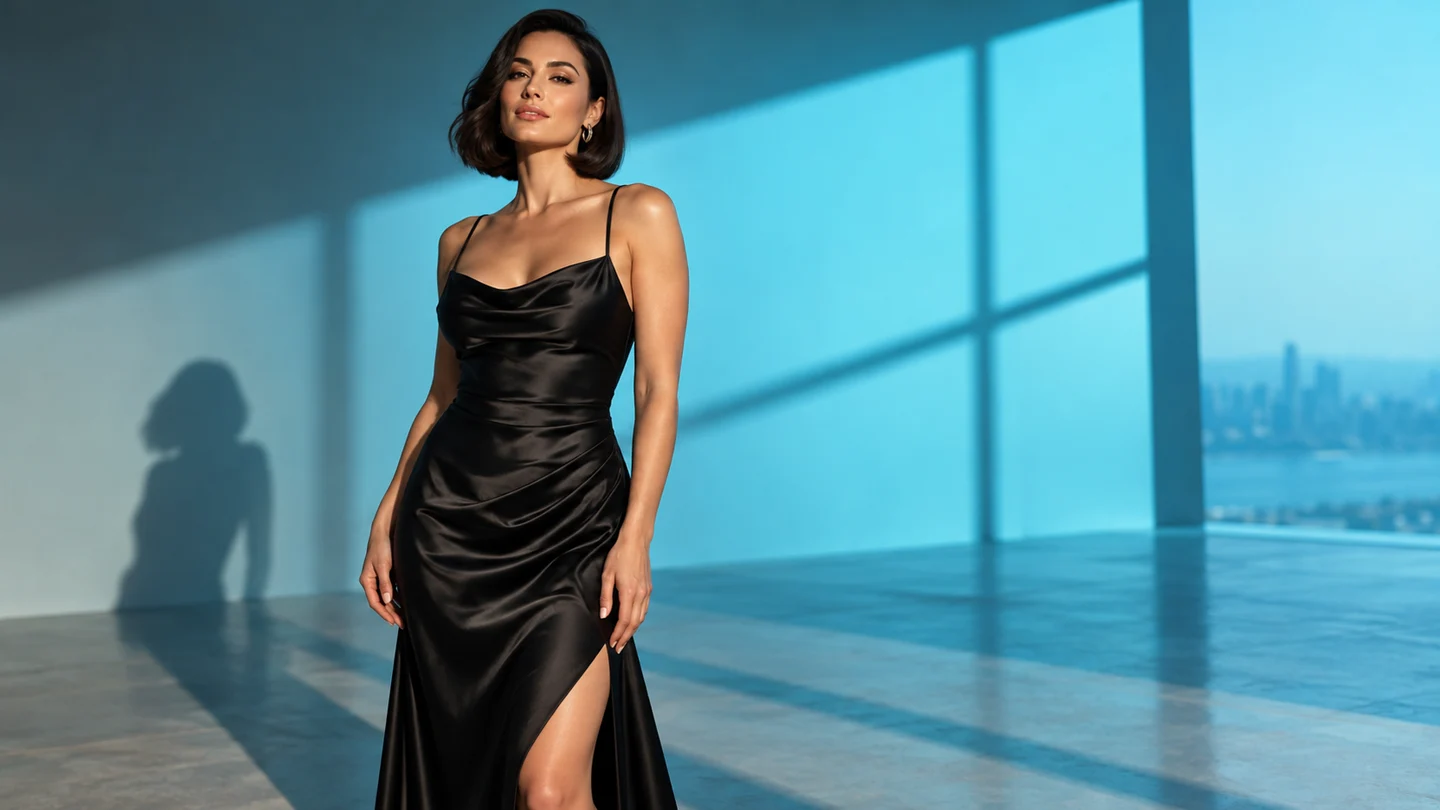
Hard light. Soft movement.5s sample
PORTRAIT / SEED 140827
Hard light. Soft movement.
A restrained studio portrait isolates the decisions that matter: light, expression and camera distance. Keep the setting stable while trying a different movement, then compare the scene briefs side by side.
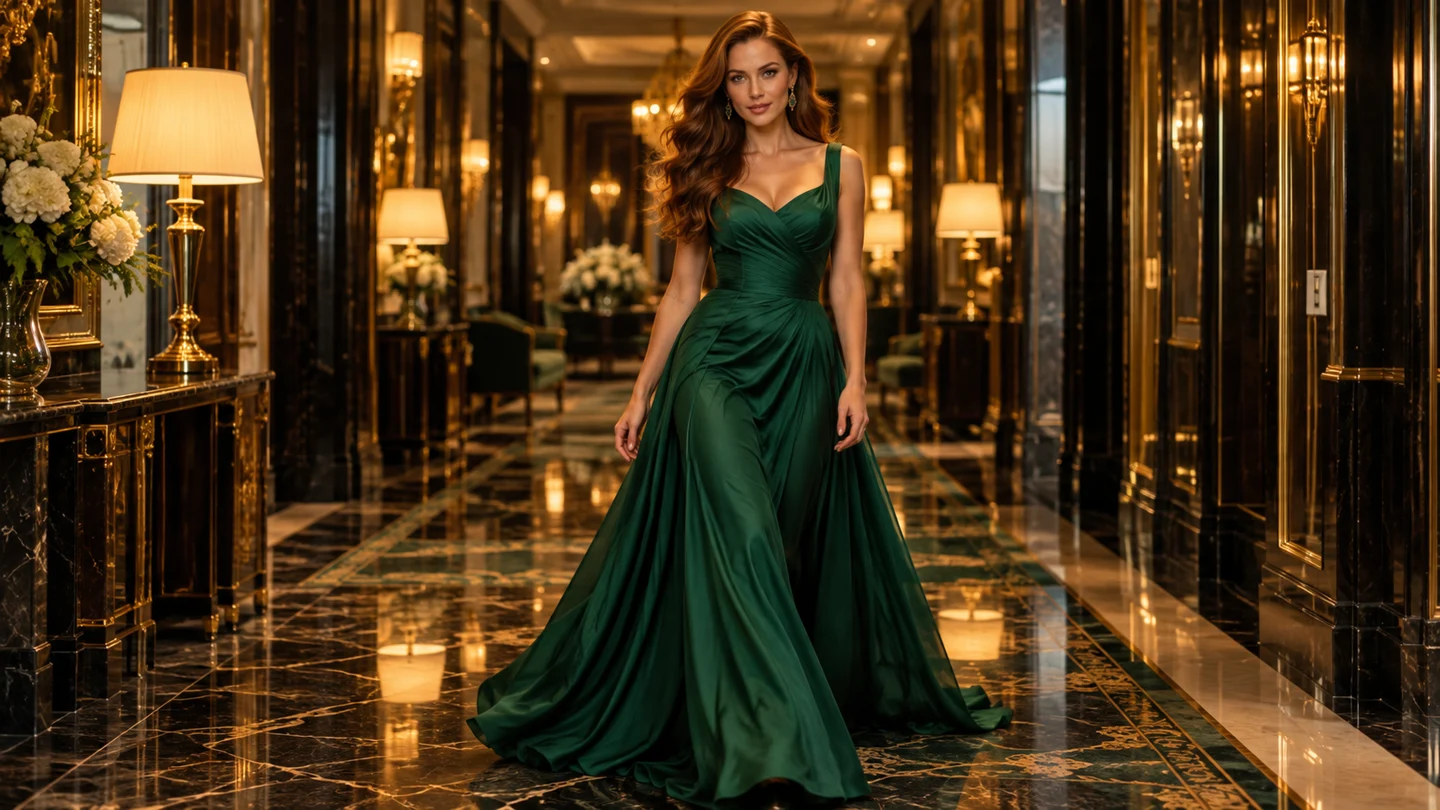
The corridor, after hours.5s sample
CINEMATIC / SEED 603118
The corridor, after hours.
A warm corridor gives a short tracking shot an immediate sense of place. A clear subject and one action make it easier to explore the atmosphere without packing a complete story into one clip.
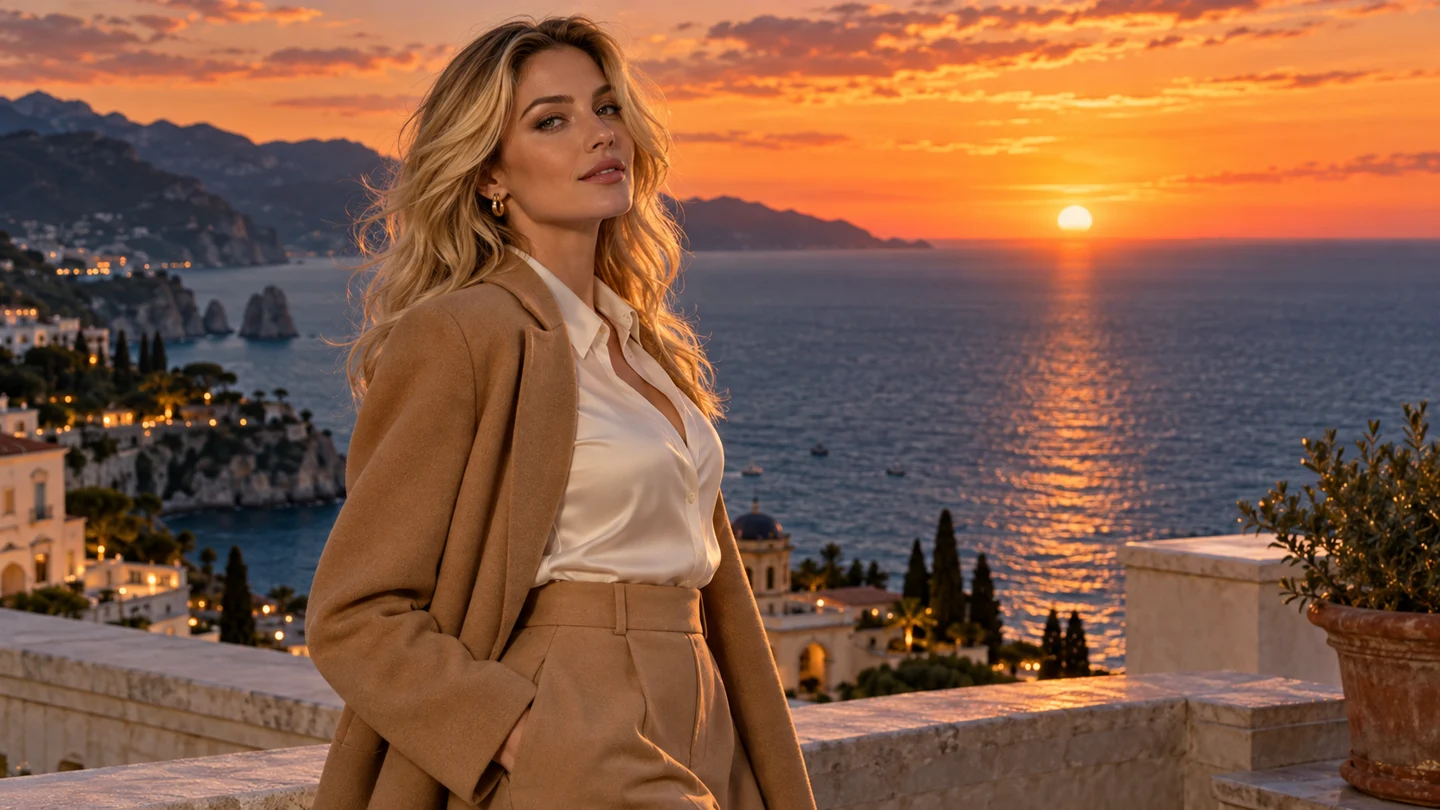
One last look at sunset.5s sample
ATMOSPHERE / SEED 241063
One last look at sunset.
The same prompt structure can describe a very different mood. A coastal setting, softer light and a gentle orbit create a new scene while keeping your parameter choices organized.
[03] two ways into the frame
Start from a sentence. Or an image you already love.
INPUT 01 / TEXT
Discover the scene from words.
Text-to-video gives a new idea somewhere to start. Describe the subject, environment and mood, then choose one action that fits a short clip. Use the camera setting to decide whether the scene feels intimate, observational or in motion.
You can begin with a reusable prompt and make it specific to your character, location or lighting. The useful part of a template is the structure: it helps you ask for a scene with a clear center instead of a list of competing details.
Image-to-video starts with a visual reference. Upload the character portrait, fashion frame or composition you want to develop, then write the movement around it. A glance, a step or a slow camera orbit can be enough to explore the next frame.
Keep the reference and motion description aligned. If your source is a close portrait, focus on an expression or a subtle camera move. If it is a full scene, use the prompt to identify the main action and the atmosphere that supports it.
A good prompt is only one part of a useful creative record. The seed, duration, resolution and camera setting tell you what you actually asked for. prompchan keeps those decisions together so a promising direction is easier to return to.
Copy a complete recipe, export it as JSON or restore a saved version in the composer. Change one variable at a time when you want to understand the difference. Keeping a recipe is about making the process more deliberate; identical settings alone do not guarantee identical output across different models or versions.
scene-recipe.jsoneditable
01 subject an adult model in an evening dress02 setting cyan window light, quiet studio03 movement subtle turn toward the light04 camera slow push-in05 seed 14082706 format 5 seconds / 720p
A short video works best when its brief is focused. Use this three-step loop to organize an idea, plan the scene and keep the settings worth revisiting.
01
Describe one moment
Choose a subject and a setting, then write one action that could happen within 5–8 seconds. Let the lighting and atmosphere support that moment instead of adding several unrelated actions.
02
Make the settings explicit
Select text or image input, choose the camera direction, and set the duration, resolution and seed. Review the estimated credits before starting. Your recipe is a record of all these choices.
03
Review, save, vary
Keep the direction you like, then decide what one change would improve the next take. Restore a saved recipe instead of relying on memory, and give each variation a clear creative purpose.
[06] put the recipe to work
For scenes that need a point of view.
USE CASE / 01
Character studies
Explore an adult character's expression, posture and relationship to the camera. A compact scene gives you room to focus on a glance or gesture before building a larger visual sequence.
USE CASE / 02
Fashion and atmosphere
Test a lighting direction, a fabric movement or the mood of a location. Use a complete recipe to compare a warm corridor with a cool studio while keeping the other decisions visible.
USE CASE / 03
Repeatable concept work
Save the structure of a useful scene brief, then change the setting, camera or time of day. A library of your own recipes becomes a practical starting point for future creative exploration.
[07] short form, clearly defined
The right format for a focused idea.
VIDEO LENGTH5–8 sec
A short clip is a scene, not an entire story. Start with five seconds for a focused expression or a single camera move. Choose six or eight seconds when the same action benefits from a little more time to unfold.
MAXIMUM RESOLUTION1080p
720p is the baseline for credit planning. Use up to 1080p when a higher-resolution frame suits the output you have in mind. Check the estimate as you change the format so the quality decision stays connected to the budget.
GENERATION TIME TARGET50–90 sec
Plan a short creative interval between takes. The target range describes the intended workflow; live processing may vary with queue load and settings. Prepare a new variation while keeping the current recipe intact.
[08] the creator lab plan
A clear monthly budget. Room to explore.
Keep your creation budget as readable as the recipe. Creator Lab includes 600 credits every month, with a 5-second 720p video set at 40 credits. That makes the baseline calculation straightforward: 600 divided by 40 gives you 15 short scenes.
Use the composer to compare longer durations and 1080p selections before committing to a format. The scene count depends on the settings you choose, so a set of longer or higher-resolution variations will use more of the allowance.
Understand the input modes, output formats and creative controls, then start the next scene with a clearer brief.
What does prompchan help me create?+
prompchan is an AI video creation experience for people who want their prompt and settings to stay together. Create a short scene from a written description or a reference image, then save the seed, camera direction, duration and resolution as a reusable recipe.
Can I use text-to-video and image-to-video?+
Yes. Start from text when you want to discover a scene from words. Choose image-to-video when you already have a visual reference and want to describe its next movement. The same format and parameter controls stay visible in both modes so you can compare briefs consistently.
What is included in a saved recipe?+
A recipe includes the prompt, seed, camera movement, clip duration, resolution and input mode. Save a promising combination before changing it. Copy the prompt and settings or export a JSON file when you want a portable record of the creative direction you explored.
Does the same seed guarantee the same video?+
A saved seed makes the parameter choice explicit and easier to reuse. It does not by itself guarantee identical output: a live model version, reference input and other generation settings also affect a result. Keep the complete recipe together when comparing variations.
What lengths and resolutions are available?+
The format range is 5–8 seconds, with output up to 1080p. Five seconds at 720p is the baseline credit example. Short scenes work well for a focused expression, a simple gesture or one camera move; additional time can give the same movement more room.
What does the monthly plan include?+
Creator Lab costs $24.90 per month and includes 600 credits. A 5-second 720p video uses 40 credits, so 15 baseline clips fit into the monthly allowance. Estimated credits increase with longer duration or higher resolution; the composer displays the estimate before you preview a scene.
How quickly can I expect a result?+
The generation-time target is 50–90 seconds. Processing in a live service can vary with the queue and selected settings. Keep the prompt concise and use saved recipes to decide the next variation while waiting, instead of trying to remember which settings produced each idea.
Is this preview connected to a live model?+
The current interactive preview saves your recipe locally and opens an existing 5-second 720p sample. It does not generate a new film from your prompt, send reference images to a model or collect a payment. The product controls and sample gallery demonstrate the intended creation workflow.
[10] THE NEXT TAKE STARTS HERE
Your next video deserves a better starting point.
Describe the scene. Keep the settings. Explore the next variation.